Claude vs ChatGPT vs Gemini: An Honest Comparison for Working Professionals
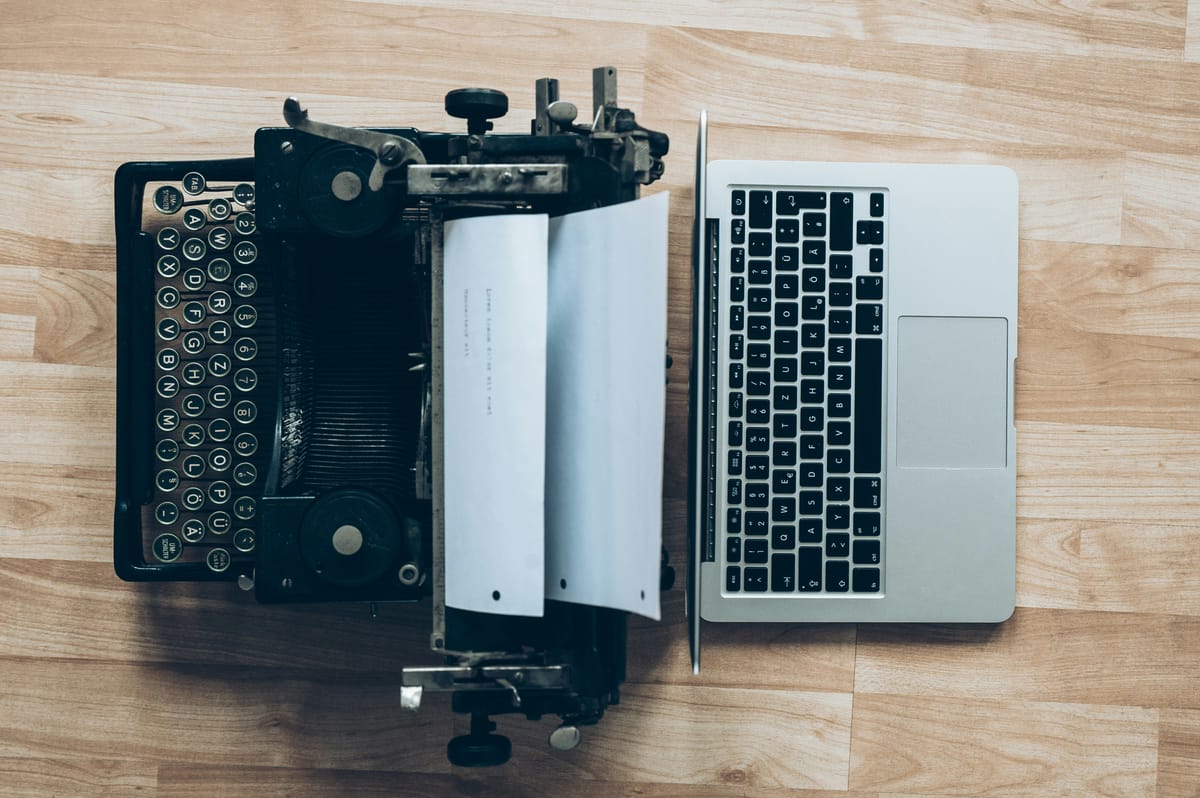
We used all three for real work tasks over four weeks. Here's what we actually found, without the sponsored spin.
Every week, someone asks us the same question: Which AI should I actually use?
It's a fair question. The three biggest names in AI right now (ChatGPT from OpenAI, Claude from Anthropic, and Gemini from Google) all look roughly similar on the surface. They all answer questions, write things, help with research, and summarize documents. Their free tiers are all genuinely capable. And all three have been hyped relentlessly by people who are either paid to hype them or just excited by anything new and shiny.
We are neither of those things. We're here to tell you what actually matters for your work.
So we ran four weeks of real tasks through all three: writing, research, analysis, coding help, customer emails, summarizing long documents, creative brainstorming. Here's what we found, honestly, including where each one falls short.
First, a note on versions
This comparison covers the free tiers of all three, plus their paid tiers where we tested them. Free tiers matter because that's where most people start, and the differences there are more pronounced than the marketing suggests.
- ChatGPT Free uses GPT-4o mini with limited access to full GPT-4o
- ChatGPT Plus ($20/mo) gives you full GPT-4o access, image generation, voice mode, and plugins
- Claude Free uses Claude Sonnet, Anthropic's mid-tier model
- Claude Pro ($20/mo) gives you more usage of Claude's most capable models plus the Projects feature
- Gemini Free runs on Google's Gemini 1.5 Flash
- Gemini Advanced ($20/mo) uses Gemini 1.5 Pro, integrated with Google Workspace
The honest summary (if you're in a hurry)
Before we get into the detail, here's the quick answer.
Use ChatGPT if you need the most versatile tool with the biggest ecosystem, you want image generation built in, or you're doing coding work.
Use Claude if you do a lot of writing, analysis, or work with long documents, and you want responses that actually sound like a thoughtful human wrote them.
Use Gemini if you're deep in Google's ecosystem (Gmail, Docs, Drive) and want AI woven into the tools you already use.
Now here's why.
Writing quality
This is where the tools diverge most sharply, and it's where most working professionals will notice the difference fastest.
ChatGPT produces clean, competent writing. It's reliable and fast. But after a while, you start to notice patterns. Bullet points everywhere. Sentences that begin with "Certainly!" or "Absolutely!" Responses that are structured like a college essay whether you asked for one or not. The writing is never bad, but it can feel mechanical, like it was produced by a very diligent intern who learned to write from reading productivity blogs.
Claude writes differently. The responses feel more considered, more like something a person actually composed. It handles nuance well, picks up on tone, and when you ask it to match your voice or write in a specific style, it does so more convincingly than the others. For professional writing (client emails, reports, marketing copy, blog posts) Claude is consistently our first choice. It also tends to push back gently when a question is ambiguous rather than just confidently producing the wrong thing.
Gemini is a capable writer but tends to hedge. A lot. Responses frequently contain qualifications and caveats that, while technically accurate, make the writing feel less useful and less confident than it could be. It's improving rapidly, and the gap between Gemini a year ago and Gemini today is significant. But in writing tasks it still trails the other two.
Winner for writing: Claude
Research and accuracy
This is where things get more complicated, because all three tools can and do make things up. This is called hallucination, and it's a real problem with every AI assistant on the market. None of them are reliable as a primary research source without verification.
That said, they're not all equally unreliable.
ChatGPT with web browsing enabled (available on the free tier with some limitations) is genuinely useful for research. It pulls in current information, cites sources, and generally labels when it's uncertain. The web browsing feature has improved significantly over the past year. Without web access, its knowledge has a training cutoff and it can state outdated things with complete confidence.
Gemini has a structural advantage here: it's made by Google, and its web integration is deep and native. When Gemini searches, it searches like Google, which means it's often faster and more current than the others on recent topics. For research tasks involving recent news, current prices, or fast-moving information, Gemini is often the most reliable of the three.
Claude is notably more careful about admitting uncertainty than the other two. It's more likely to say "I'm not sure about this, you should verify it" rather than confidently stating something wrong. This can feel frustrating when you want a quick answer, but it means you're less likely to walk away with a wrong answer you fully trust. Claude also handles very long documents better than the other two. Paste in a 50-page report and ask it to summarize or find specific information, and it handles this more gracefully than the competition.
Winner for research: Gemini (for current information) / Claude (for document analysis and admitting uncertainty)
Practical work tasks
We ran each tool through a set of real tasks professionals actually do. Here's the scorecard.
Summarizing a long document
We pasted in a 40-page business report and asked each tool to summarize the key findings and flag any concerns.
Claude handled this best. It produced a structured, accurate summary that caught a key tension in the data we'd flagged ourselves. ChatGPT produced a solid summary but missed some nuance. Gemini summarized competently but added several caveats that weren't in the original document.
Writing a professional email
We asked each tool to write a firm but professional email declining a vendor's proposal without closing the door on a future relationship.
Claude produced the best first draft: appropriately diplomatic, clear, not sycophantic. ChatGPT's version was slightly too formal. Gemini's was good but oddly long.
Explaining a technical concept simply
We asked each tool to explain how machine learning works to someone with no technical background.
All three did this reasonably well. ChatGPT's explanation was the most structured. Claude's was the most conversational and used the best analogies. Gemini added the most unnecessary technical detail despite being asked to keep it simple.
Coding help
We asked each tool to write a simple Python script to automate a spreadsheet task.
ChatGPT was the clear winner here. It produced clean, working code with clear comments, and when we asked follow-up questions it explained the logic well. Claude was close behind. Gemini's code worked but was less clean and harder to follow.
Brainstorming content ideas
We asked each tool for 20 content ideas for a blog about AI for beginners.
Claude produced the most original and varied list, including several angles we hadn't considered. ChatGPT's list was solid but more predictable. Gemini's list was competent but had a lot of overlap between entries.
The free tier reality check
Most people reading this are starting on a free tier, so this matters.
ChatGPT Free is more limited than it used to be. Free users get GPT-4o mini, which is capable but noticeably less impressive than full GPT-4o. You'll hit usage limits during peak hours. Image generation requires Plus.
Claude Free gives you access to Claude Sonnet, which is genuinely capable for most tasks. The main limitation is that you hit conversation limits faster than you might expect during busy periods.
Gemini Free is the most generous free tier right now for most use cases. You get Gemini 1.5 Flash, which is fast, capable, and doesn't rate-limit you as aggressively. If you're in Google Workspace, the integration with Docs and Gmail is available at no extra cost and is genuinely useful.
Winner for free tier value: Gemini
What the $20/month buys you
If you're going to pay, here's what you actually get.
ChatGPT Plus unlocks the most additional features: full GPT-4o, DALL-E image generation, custom GPTs, voice mode, and code interpreter. If you're going to pay for one AI tool, ChatGPT Plus has the broadest feature set.
Claude Pro gives you more usage of Claude's most capable models and the Projects feature, which lets you create persistent contexts for different types of work. If you write a lot or work with long documents regularly, Claude Pro pays for itself quickly.
Gemini Advanced makes the most sense if you're already paying for Google One and want AI integrated directly into your Google Workspace. The features inside Gmail and Docs are legitimately useful for heavy Google users.
Which one should you actually use?
Here's our actual recommendation, based on what kind of work you do.
You're a writer, marketer, or communicator. Start with Claude. The quality of the writing output and the ability to maintain your voice is genuinely better.
You're learning to code or do technical work. Start with ChatGPT. The coding assistance is the best, the ecosystem is the most mature, and there are more tutorials and resources built around it.
You're a heavy Google Workspace user. Start with Gemini. The native integration with Gmail, Docs, and Drive removes friction that the other two simply can't match.
You're completely new to AI and just want to explore. Start with Gemini Free. The least aggressive rate limits, real-time web access, and Google integration make it the lowest-barrier entry point.
You want the best all-around tool and you're willing to pay $20/month. This is a genuine tie between ChatGPT Plus (more features, better for coding) and Claude Pro (better writing, better for long documents). Try both free tiers first and pay for whichever one you find yourself reaching for more.
The honest bottom line
These tools are more similar than they are different, and all three are genuinely impressive by any reasonable standard. The honest answer to "which AI should I use" is probably: try all three for free for a month, and pay for the one you find yourself using every day.
What we'd caution against is the tribalism already emerging around these tools. The people who insist ChatGPT is obviously the best, or that Claude is obviously the best, are usually people who found one that works for their specific workflow and assumed it works for everyone. It doesn't.
The best AI tool is the one you actually use. Pick one, learn it well, and let it start saving you time.
Have questions about any of these tools? We read every email. Write to us at hello@skillsshift.ai or reply to any newsletter.
Affiliate disclosure: SkillsShift.ai does not currently have paid partnerships with OpenAI, Anthropic, or Google. This comparison is independent.